Introduction to SVG Cut Files
In the realm of digital crafting and design, SVG cut files have become essential tools for both amateurs and professionals alike. These scalable vector graphics enable users to create intricate designs that can be cut out with precision using various cutting machines. Offering unmatched flexibility and versatility, SVG files are integral to a wide array of projects from scrapbooking to home décor. Whether you’re a seasoned creator or just starting out, understanding the intricacies of SVG cut files can vastly enhance your crafting experience. Not only can you find SVG cut files free download, but you can also learn how to edit and personalize them for your unique projects.
What Are SVG Cut Files?
SVG cut files are digital files created using Scalable Vector Graphics (SVG) format. Unlike bitmap images like JPEGs or PNGs, which are made up of pixels, SVG files consist of paths based on mathematical equations. This means they can be resized without losing quality, making them ideal for cutting and printing designs in various sizes. These files typically include artwork, logos, or intricate patterns that can be utilized with cutting machines such as Cricut, Silhouette, and others.
Benefits of Using SVG Files
The use of SVG files comes with numerous benefits:
- Scalability: As mentioned, SVG files maintain their quality regardless of size adjustments.
- Editable: SVG files can be easily edited in design software, allowing for a personal touch in each project.
- Lightweight: SVG files are usually smaller in size compared to other formats, making them easy to download and share.
- Compatibility: Most modern cutting machines and design software support SVG file formats, ensuring a smooth crafting process.
Common Uses for SVG Cut Files
SVG cut files serve a multitude of purposes across various crafting disciplines, including:
- Iron-On Transfers: Customize T-shirts and bags with unique designs.
- Vinyl Decals: Create home decor items by cutting decals from adhesive vinyl.
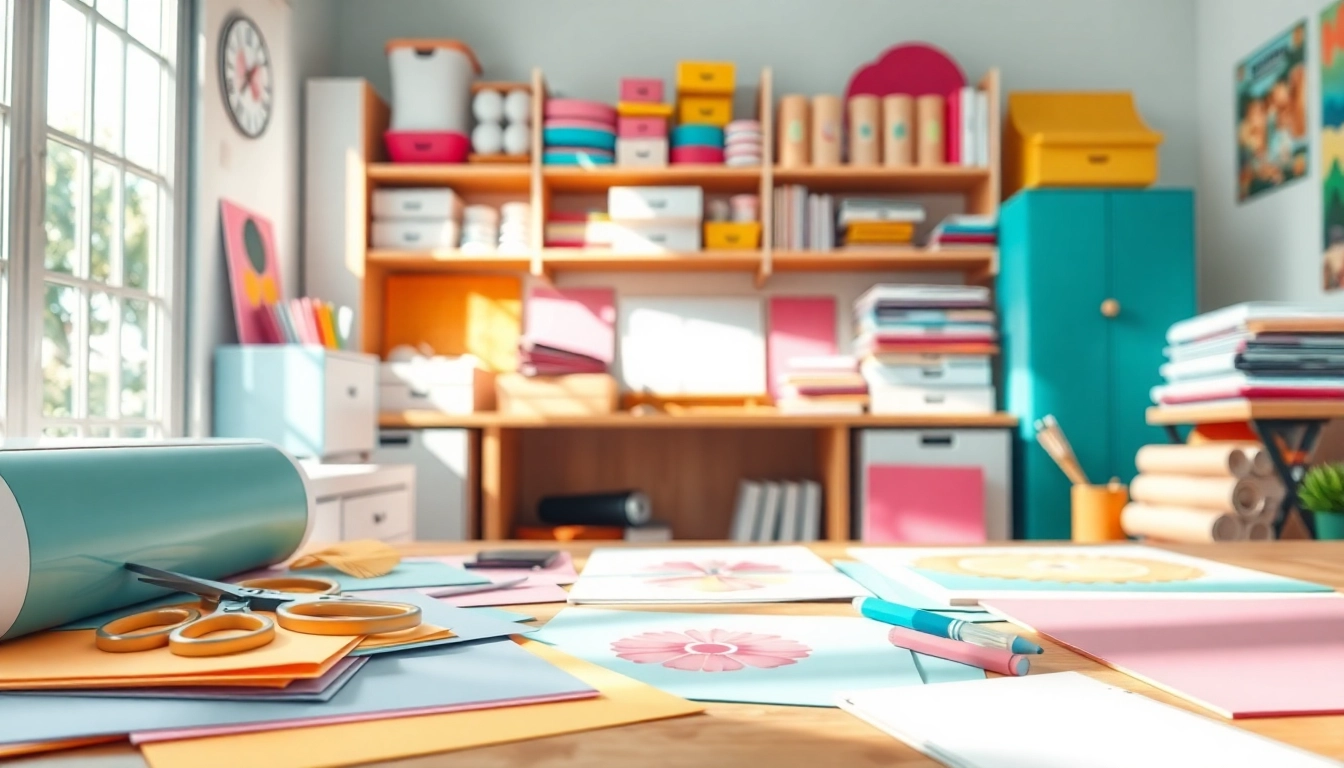
- Paper Crafts: Design intricate greeting cards, scrapbook layouts, and various paper items.
- Home Decor: Produce wall art, signs, and other decorative elements.
How to Access SVG Cut Files Free Download
Accessing SVG cut files for free is simpler than ever. There are various online platforms that offer a plethora of free resources. It’s essential to know where to look to ensure quality and safety when downloading these files.
Where to Find Quality SVG Files
Quality SVG files can be found on numerous design websites and community forums. Popular sources include:
- Design Resource Sites: Websites specifically dedicated to providing design resources often feature free downloads.
- Crafters’ Blogs: Many bloggers share free SVG cut files as part of their creative projects.
- Social Media Groups: Facebook groups and Pinterest boards dedicated to crafting often showcase free resources shared by members.
Safety Tips for Downloading SVG Files
While many sites offer free downloads, it is crucial to download SVG files from reputable sources. Here are some safety tips:
- Check Reviews: Look for user feedback regarding the website’s credibility.
- Scan for Malware: Use trusted antivirus software to scan downloaded files.
- Preview the File: If possible, preview the SVG file in a design software to ensure it’s what you need before cutting.
Understanding Licensing for Free Downloads
When downloading SVG files, it’s essential to understand the licensing agreements attached to each file. Some SVG files are free for personal use but require a license for commercial use. Always read the licensing terms to ensure compliance and avoid any legal issues down the line.
Design Your Projects with SVG Cut Files
Once you have access to SVG cut files, the next step is learning how to design impactful projects with them. There’s an endless realm of possibilities when it comes to integrating these files into engaging designs.
Basic Techniques in SVG Design
Learning how to use SVG files effectively starts with mastering basic design techniques such as:
- Layering: Create depth in your projects by layering different SVG components.
- Color Adjustment: Modify colors based on your design requirements easily.
- Grouping Elements: Combine multiple elements to create cohesive designs.
Advanced Project Ideas Using SVG Cuts
For seasoned crafters looking to elevate their projects, consider these advanced ideas:
- Custom Wedding Decor: Create unique signage and invitations using intricate SVG designs.
- Home Organization Labels: Design stylish labels for storage bins and containers.
- Themed Party Decorations: Make personalized decorations for events like birthdays and holidays.
Integrating SVG Designs into Crafts
To bring your designs to life, it’s important to understand how to integrate SVG files into various crafting methods:
- Using Cutting Machines: Familiarize yourself with your cutting software and machine settings.
- Exploring Alternative Mediums: Use SVG files for not just paper crafts but also wood, fabric, and vinyl projects.
- Combining Techniques: Experiment by combining different crafting techniques, such as sewing and cutting.
Editing SVG Cut Files for Personalization
Edit SVG files to better suit your creative vision. Understanding the right tools and techniques can drastically enhance the output quality of your projects.
Tools You Need for Editing
Before diving into editing SVG cut files, ensure you have the right tools. Popular software options include:
- Adobe Illustrator: A powerful tool for professional designers that supports complex edits.
- Inkscape: A free, open-source alternative perfect for modifying SVG files.
- Cricut Design Space: Specifically designed for Cricut users to create and modify SVG files easily.
Step-by-Step Editing Guide
Editing SVG cut files can be straightforward if you follow these steps:
- Open your SVG file in your design editor.
- Use the selection tool to adjust colors, shapes, and sizes.
- Save your changes as a new SVG file for future use.
Common Editing Mistakes to Avoid
While editing SVG cut files can be fun, avoid these common pitfalls:
- Forgetting to Save: Always save a backup before making significant changes.
- Ignoring File Compatibility: Ensure the edited file remains compatible with your cutting machine.
- Overcomplicating Designs: Simplicity often yields better results; avoid unnecessary complexity in designs.
Frequently Asked Questions
What is the best software for using SVG cut files?
The best software depends on your needs, but popular options include Adobe Illustrator, Inkscape, and Cricut Design Space for beginners and experienced users alike.
Can I use SVG files for commercial purposes?
Yes, but ensure you check the licensing agreement. Some SVG files are free for personal use only, while others may require purchasing a commercial license.
How do I troubleshoot issues with SVG files?
Common issues often arise from incompatible software. Verify that the cutting machine and software you’re using support the SVG format and check for any user manuals for troubleshooting tips.
Are all SVG cut files compatible with cutting machines?
No, not all SVG files are compatible. It’s important to confirm compatibility with your specific cutting machine and software before working on projects.
Where can I find unique SVG cut files for special occasions?
Consider checking design resource sites, crafters’ blogs, and social media groups specializing in digital craft resources to find unique designs tailor-made for special events.


More Stories
How Modest Fashion Upgrades Your Personal Style Quality
Boosting Custom Keychains Shopping Efficiency with Proven Strategies
How to Simplify Ordering Roxicodone for Better Health Outcomes