
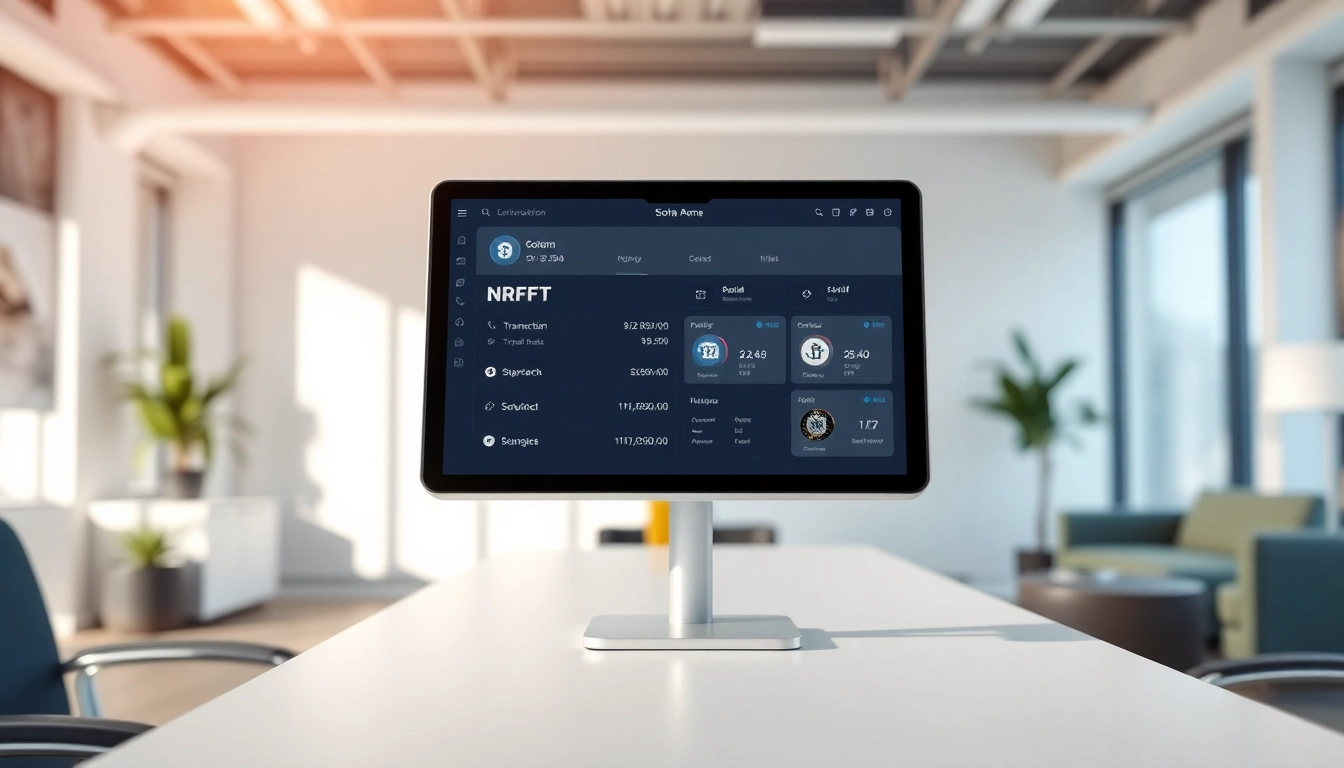
Introduction to Solana Wallet
The digital landscape of cryptocurrency has evolved tremendously, with numerous blockchain platforms and wallets emerging to meet various user needs. Among these innovations, the Solana Wallet stands out due to its high-speed transactions and low costs. Understanding the features and the advantages of the Solana Wallet is crucial for anyone looking to optimize their experience in the ever-changing crypto world.
What is a Solana Wallet?
A Solana Wallet functions as a digital vault where users can securely store, send, and receive cryptocurrencies built on the Solana blockchain. Unlike traditional wallets, Solana Wallets leverage advanced cryptographic technologies to ensure security and privacy, enabling seamless transactions that can handle thousands of operations per second.
Key Features of Solana Wallet
One of the defining characteristics of the Solana Wallet is its high throughput environment. Solana boasts the capacity to process over 65,000 transactions per second (TPS), making it ideal for decentralized application (dApp) users. Here are some key features:
- High Speed: The blockchain’s unique consensus mechanism ensures rapid transaction confirmations.
- Low Transaction Fees: Users benefit from extremely low fees, making microtransactions feasible.
- User-Friendly Interface: The wallet features a straightforward design, making it accessible for both novice and experienced users.
- Security Protocols: Advanced security measures are in place to protect user assets.
Types of Solana Wallets Available
Users can choose from several types of Solana Wallets based on their needs. Common types include:
- Hardware Wallets: Physical devices that store private keys offline for enhanced security.
- Software Wallets: Desktop or mobile applications that provide easier access and management of funds.
- Web Wallets: Browser-based wallets allowing for quick access without additional installations.
- Paper Wallets: Printed QR codes that contain public and private keys for offline storage.
How to Set Up a Solana Wallet
Step-by-Step Installation Guide
Setting up a Solana Wallet is a straightforward process. Follow these steps:
- Choose the type of wallet suitable for your needs (hardware, software, web).
- Download the wallet application from a reliable source.
- During installation, follow the prompts to create a new account.
- Back up the seed phrase provided during setup, as it is crucial for wallet recovery.
- Set a strong password for additional security.
Creating Your First Wallet
After installing your chosen wallet application, creating your first wallet is typically integrated within the app:
- Open the application and select the option to create a new wallet.
- Carefully follow the instructions, ensuring you secure your seed phrase.
- Once your wallet is created, you will receive a public address for receiving funds.
- Optionally, you can add additional accounts to manage your digital assets efficiently.
Security Considerations for Solana Wallet
Implementing robust security measures is paramount. Here are essential considerations:
- Use Hardware Wallets: For significant sums or long-term storage, opt for a hardware wallet.
- Enable Two-Factor Authentication: Another layer of protection against unauthorized access.
- Be Wary of Phishing Attempts: Always check URLs and ensure you are using official wallet applications.
- Regular Updates: Keeping your wallet and software updated assures you access to the latest security features.
Using the Solana Wallet for Transactions
Simplified Transaction Process
Using the Solana Wallet for transactions is user-friendly. To send funds:
- Log in to your wallet application.
- Select the ‘Send’ option, and enter the recipient’s public address.
- Input the amount you wish to send and confirm the transaction.
- Review transaction details before finalizing.
Managing Digital Assets
Managing multiple digital assets within your Solana Wallet is seamless. Users can easily switch between different tokens and monitor their balances within the wallet interface. Most wallets provide a dashboard that aggregates all assets, giving users a comprehensive view of their portfolio.
Interacting with Decentralized Applications
The versatility of the Solana Wallet extends beyond transactions. Users can seamlessly connect with various dApps designed for trading, gaming, and finance. To interact with a dApp:
- Ensure your wallet is connected to the dApp.
- Authorize the dApp to access your wallet, usually through a prompt.
- Engage with the app, making sure you understand any associated fees.
Tips for Optimizing Your Solana Wallet Experience
Enhancing Security Measures
Enhancing security measures ensures your assets are protected against theft or loss. In addition to previously mentioned measures, consider using a dedicated device solely for crypto activities. Limit public Wi-Fi usage, or use a VPN to encrypt your internet connection.
Exploring Advanced Features
Some wallets offer advanced features such as staking, allowing users to earn rewards by participating in blockchain validation processes. Familiarize yourself with these features to maximize your wallet’s potential.
Best Practices for Wallet Management
Regularly reviewing your wallet settings, monitoring transaction histories for any discrepancies, and maintaining updated knowledge regarding cybersecurity trends are vital practices. These ensure that your experience remains safe and efficient.
FAQs about Solana Wallet
What cryptocurrencies can I store in a Solana Wallet?
A Solana Wallet primarily supports tokens native to the Solana blockchain, including SOL, USDC, and various SPL tokens.
How do I recover my Solana Wallet?
To recover your wallet, use your backed-up seed phrase in the wallet application’s recovery section to regain access to your funds.
Are Solana Wallets safe to use?
When best practices are followed, including seed phrase management and secure connections, Solana Wallets are generally safe to use.
Can I use a Solana Wallet for NFTs?
Yes, Solana Wallets support NFTs hosted on the Solana blockchain, allowing users to store and trade their unique tokens.
Is there a mobile version of the Solana Wallet?
Most Solana Wallets offer mobile applications, providing convenient access to manage assets on-the-go.


More Stories
Every Social Security Option Ranked from Best to Worst for Effective Retirement Planning in 2026
Effective Strategies for Venture Capital Funding in 2026
Understanding How Much Does an Extended Car Warranty Cost by Vehicle and Mileage